Custom actions
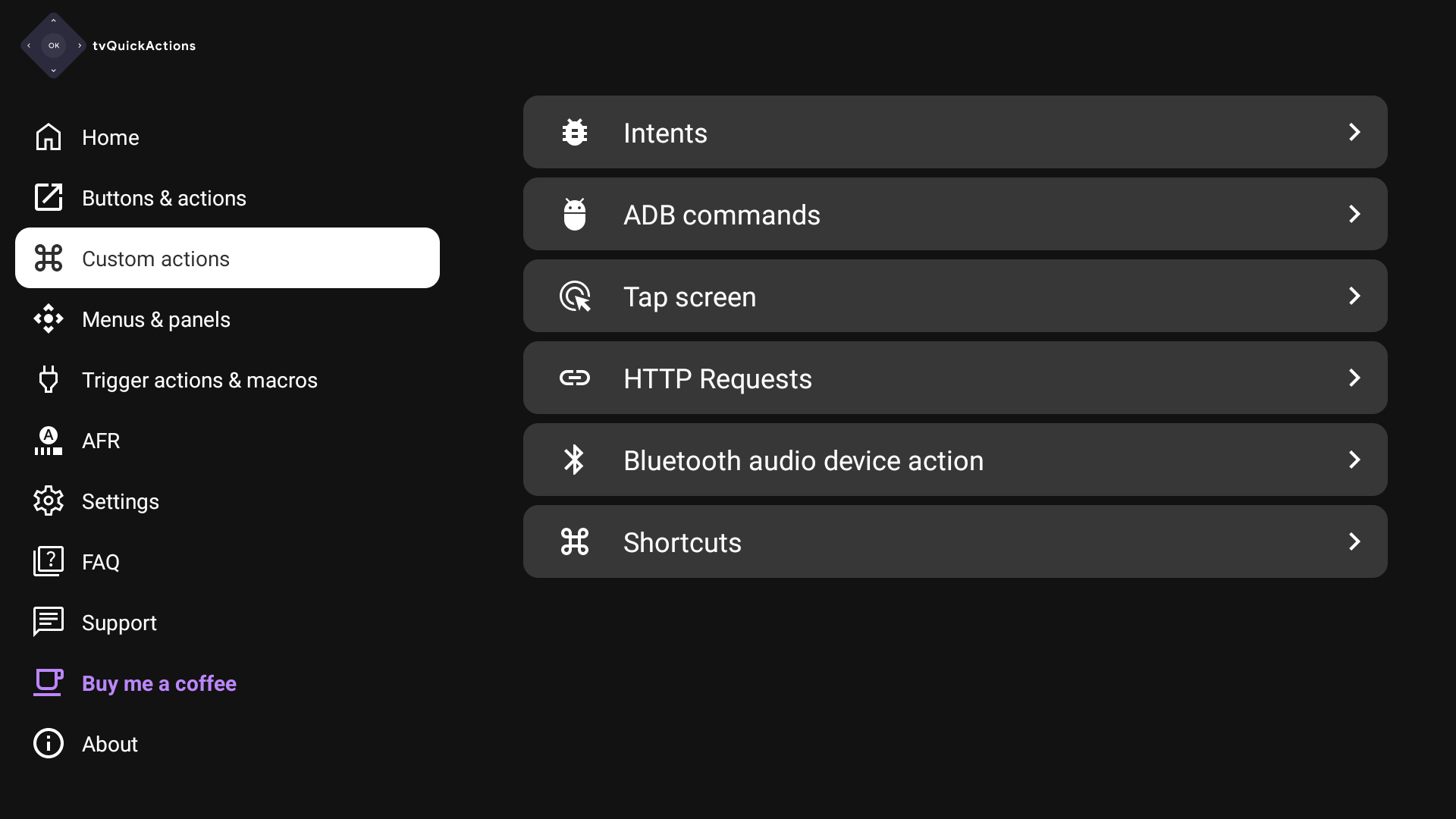
Here you can find all types of actions that can be created by a user. It is a fast way to edit it or create a new one.
Note
Delays are missing in this screen now
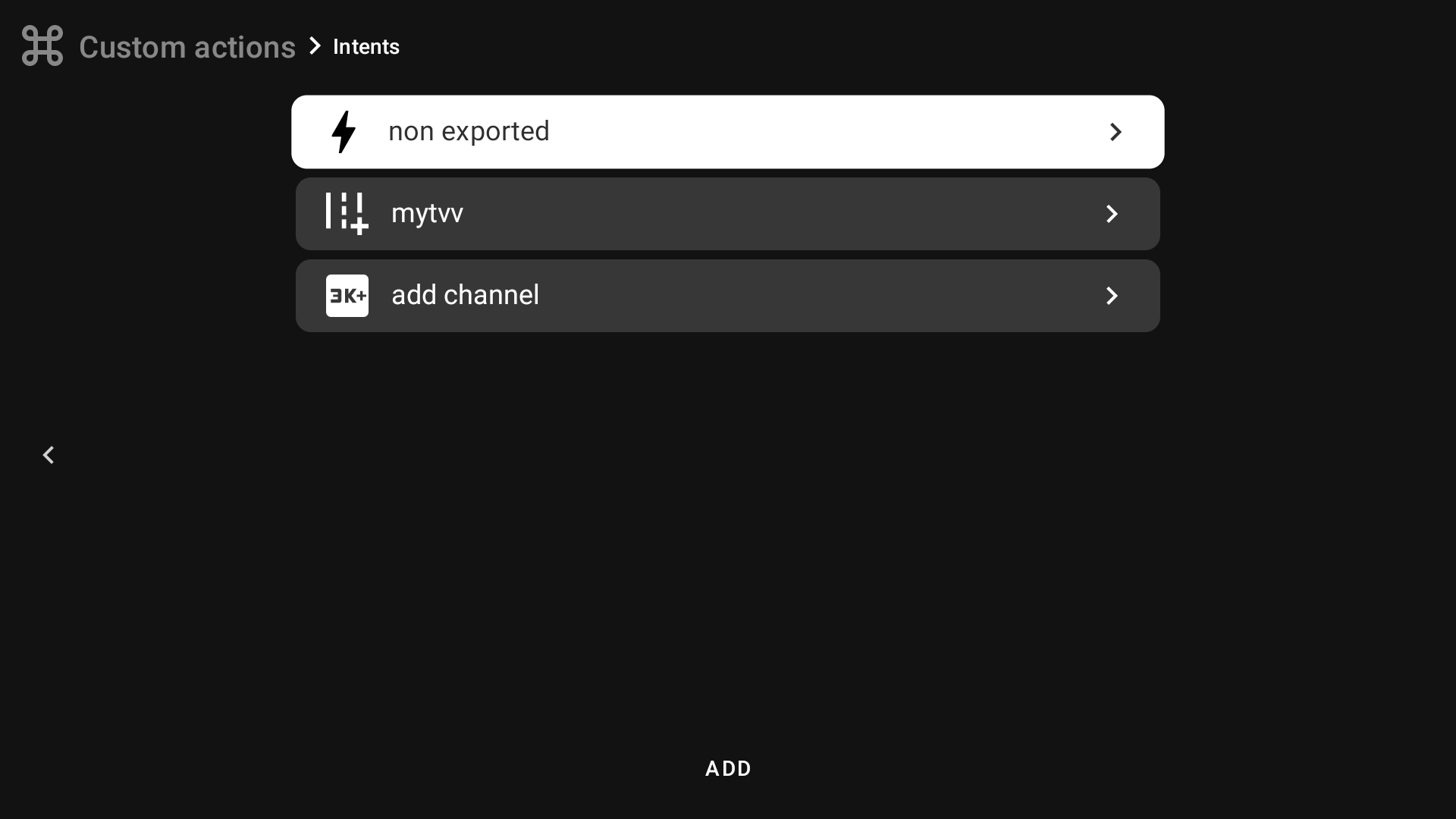
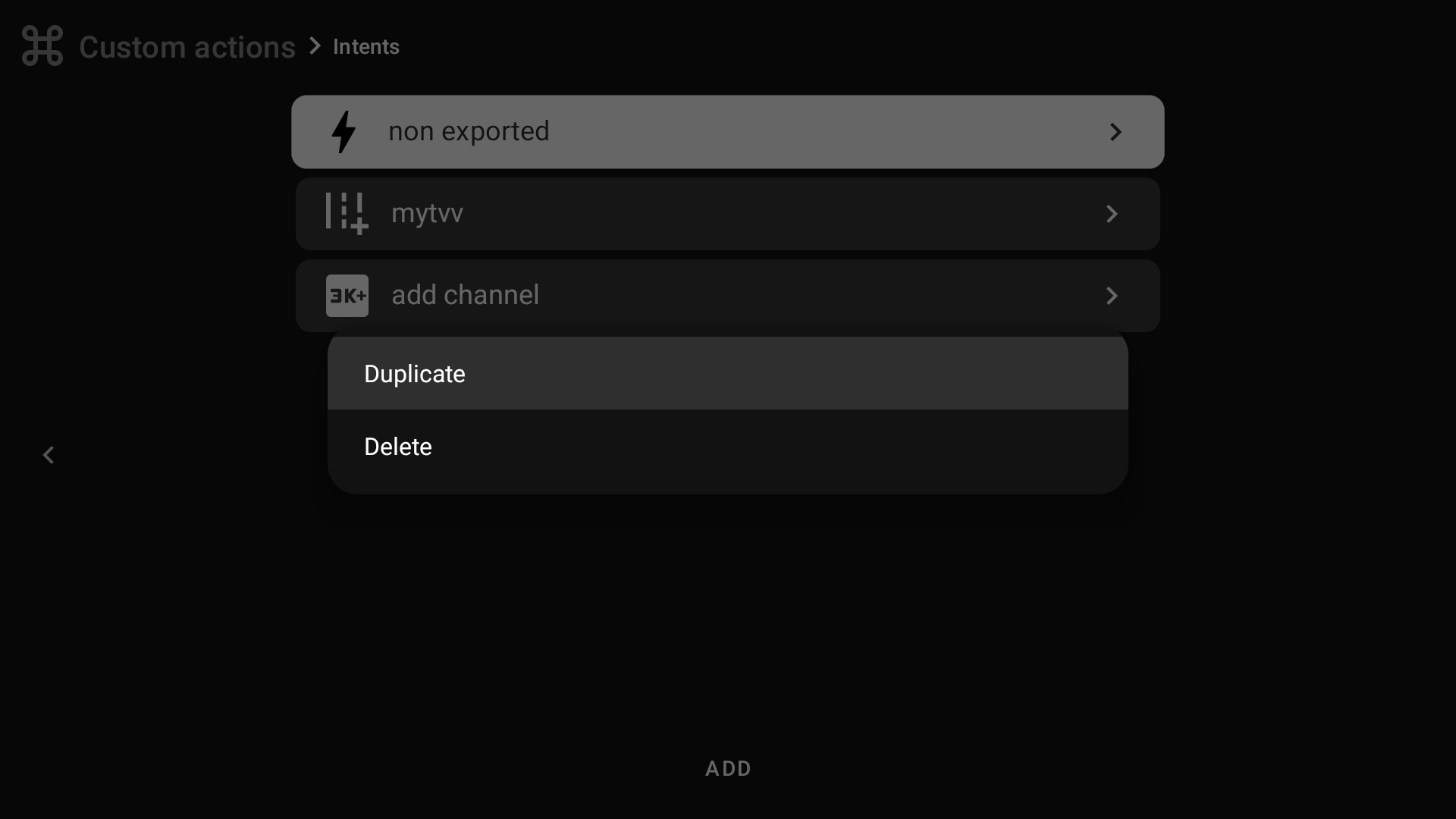
Long-press a custom action for quick options: duplicate it, delete it, or save it to a backup.
Types and full descriptions
Intent
Launch Android activities/services/broadcasts with action, data, flags, and extras.
Full description: Intent
Tap screen
Emulate a tap at specific screen coordinates, useful for macros and automation.
Full description: Tap screen
ADB command
Run shell commands as actions (no need to write adb shell).
Full description: ADB command
HTTP Request
Send GET/POST/PUT/PATCH/DELETE requests with custom URL, headers, and payload.
Full description: HTTP Request
Bluetooth audio device action
Connect or disconnect a selected Bluetooth audio device.
Full description: Bluetooth audio device action
Input event
Simulate key input events, including long/double press and repeat counts.
Full description: Input event
Web Widget Overlay
Display web content (URL, local HTML, ZIP project) as a fullscreen or floating overlay.
Full description: Web Widget Overlay
Shortcuts
Full description: Shortcuts