Shortcuts
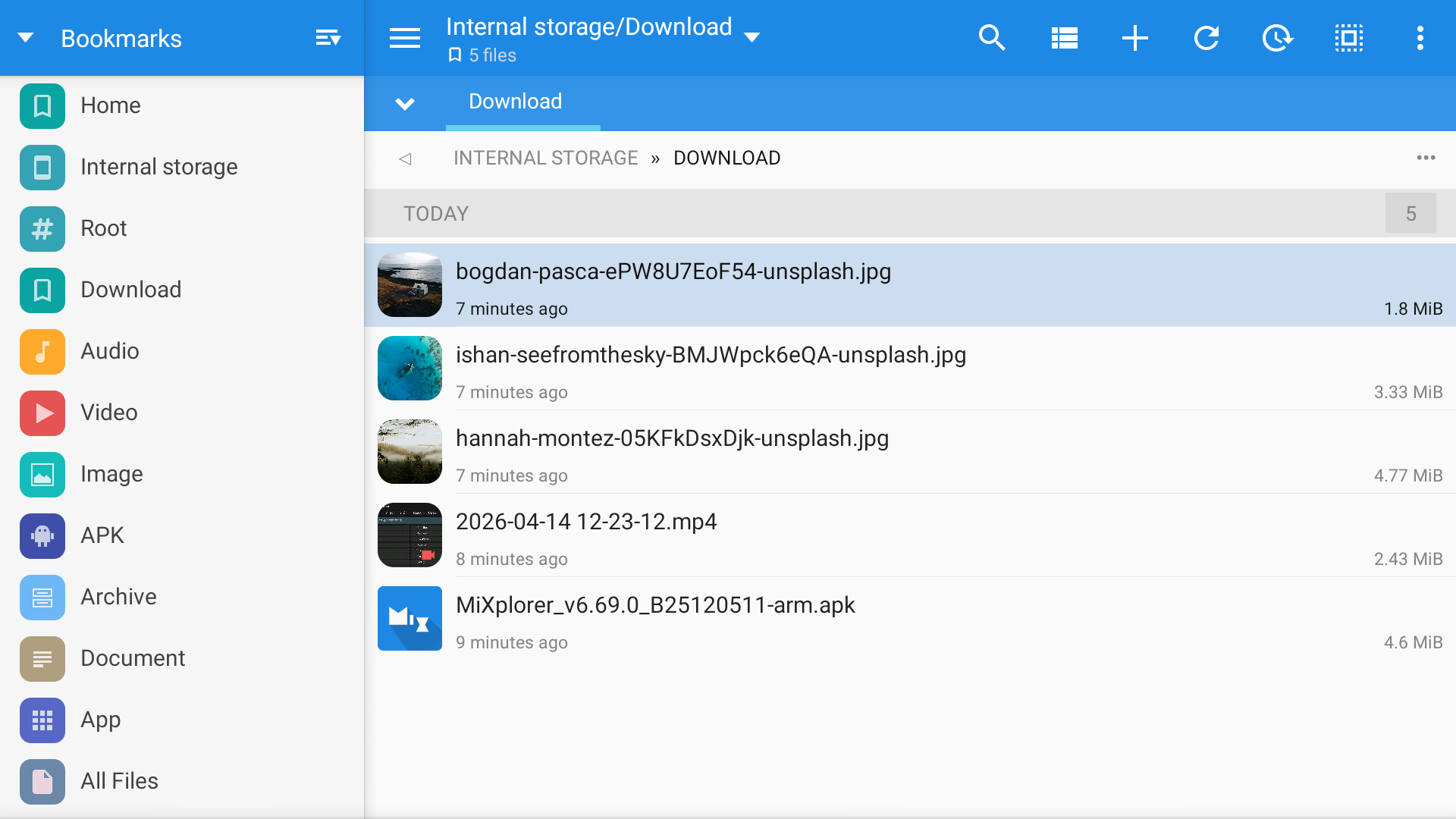
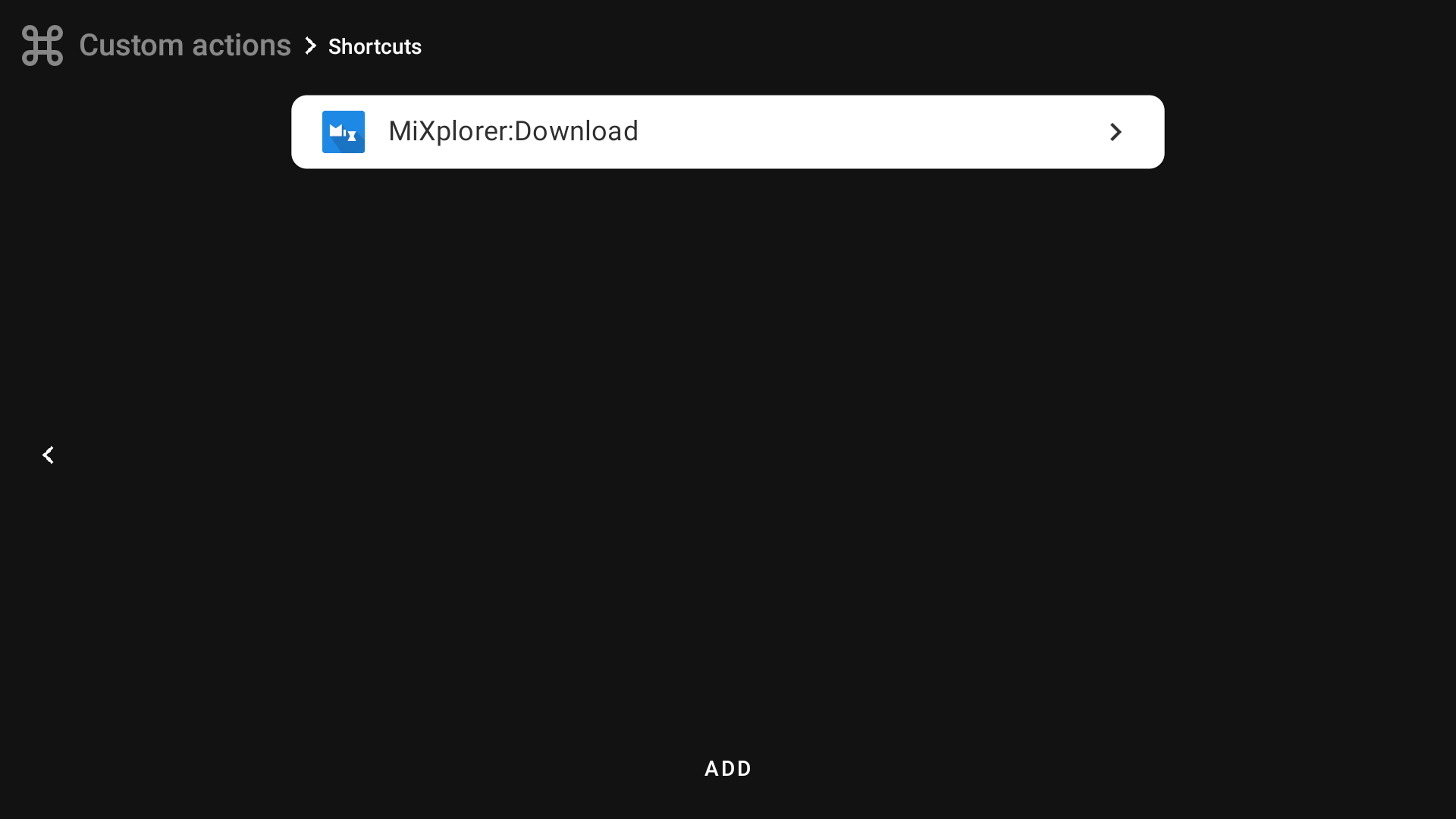
Here you can create shortcuts for apps that support them. This is a quick way to run an action inside another app. I currently have only one app installed that supports shortcuts, MiXplorer, so in this example I will create a shortcut to open the Downloads folder.
To create a shortcut, press "Add" at the bottom of the screen. You will see a list of apps on your device that support shortcuts. Select the app. 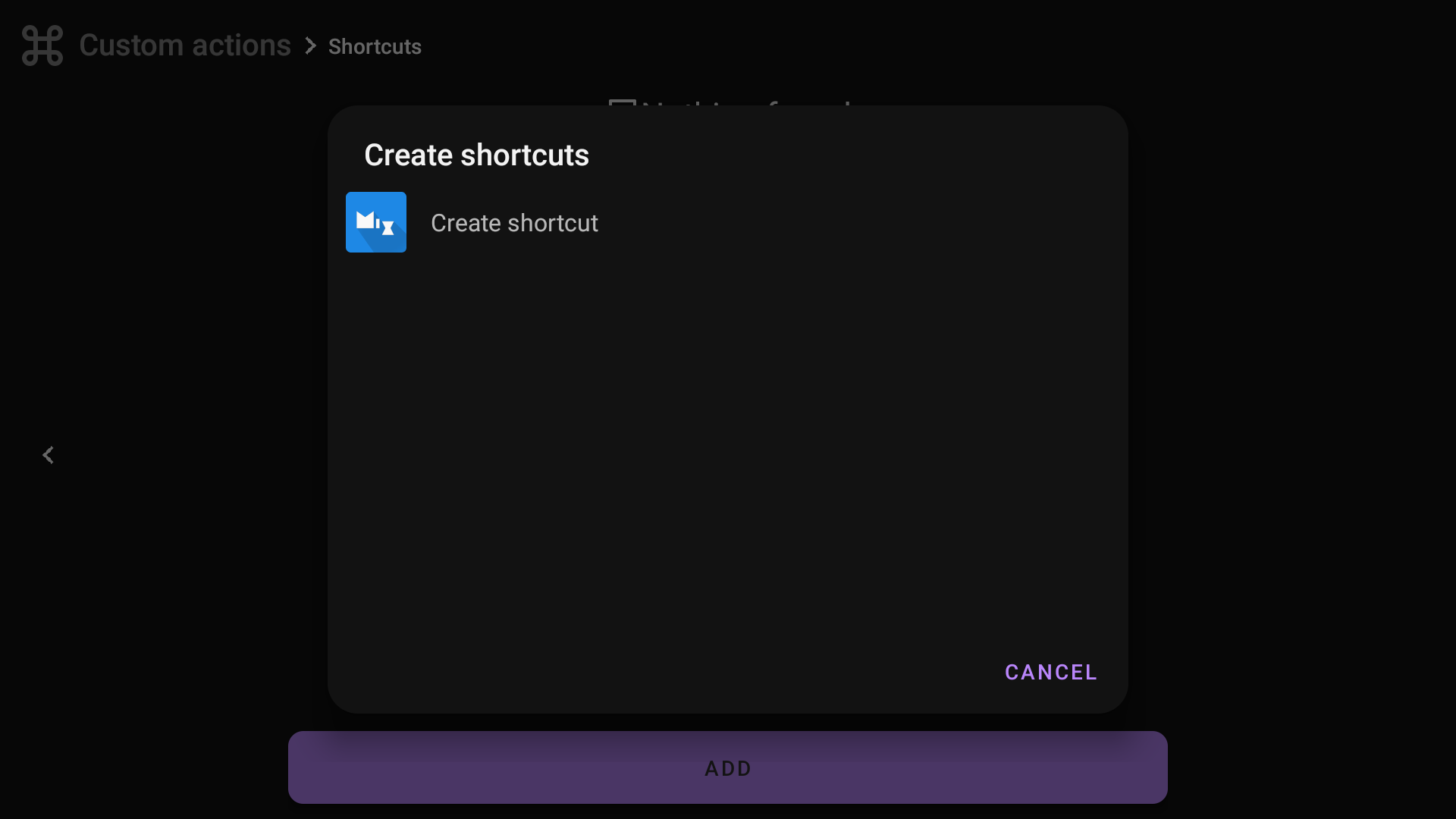
Depending on the app, select an action and save it. In my case, I open the Downloads folder in MiXplorer and press ✅ to save it. 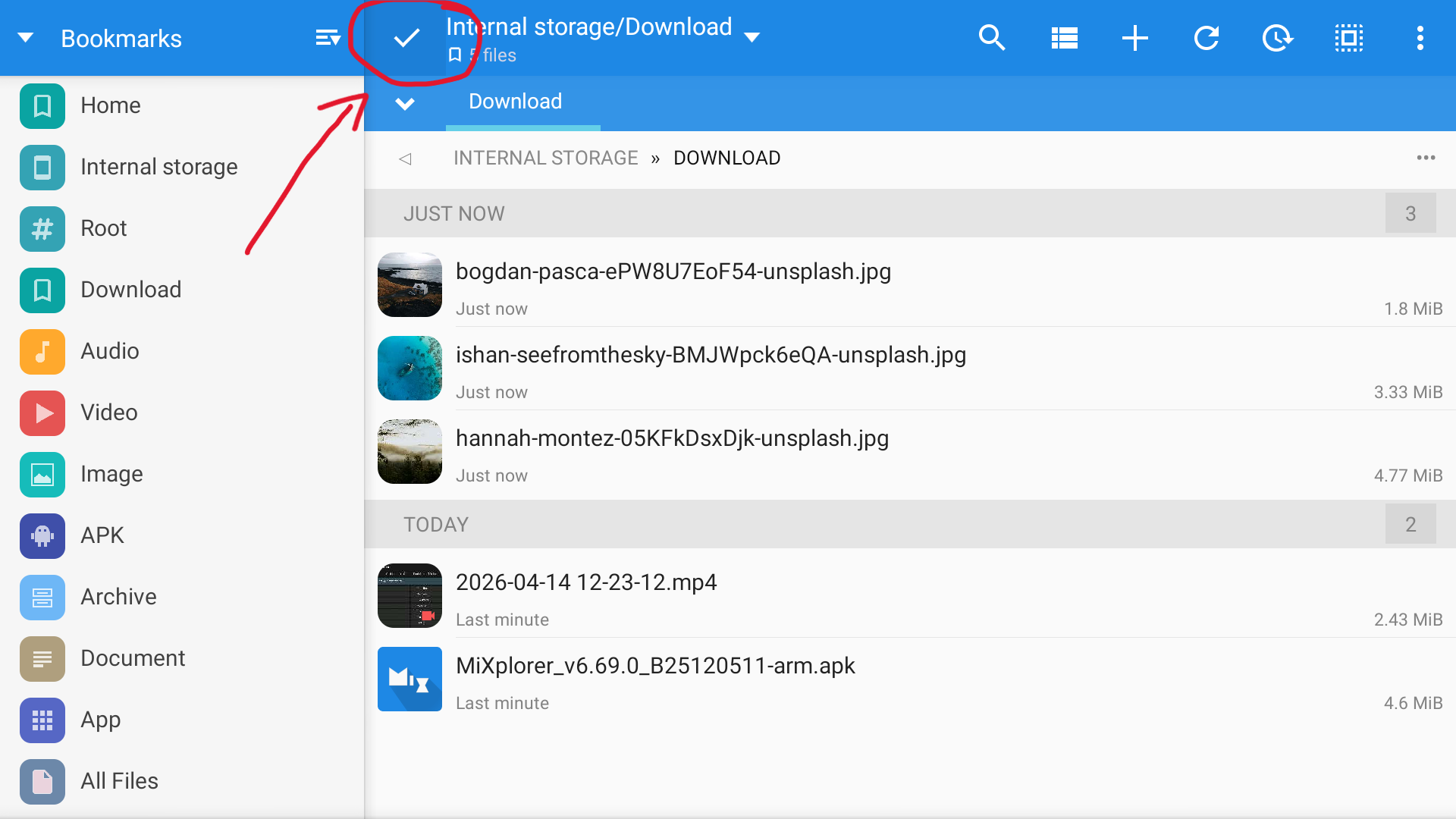
Then you will edit the action in tvQuickActions. You can change the icon, or keep the app icon. You can also change the action name. 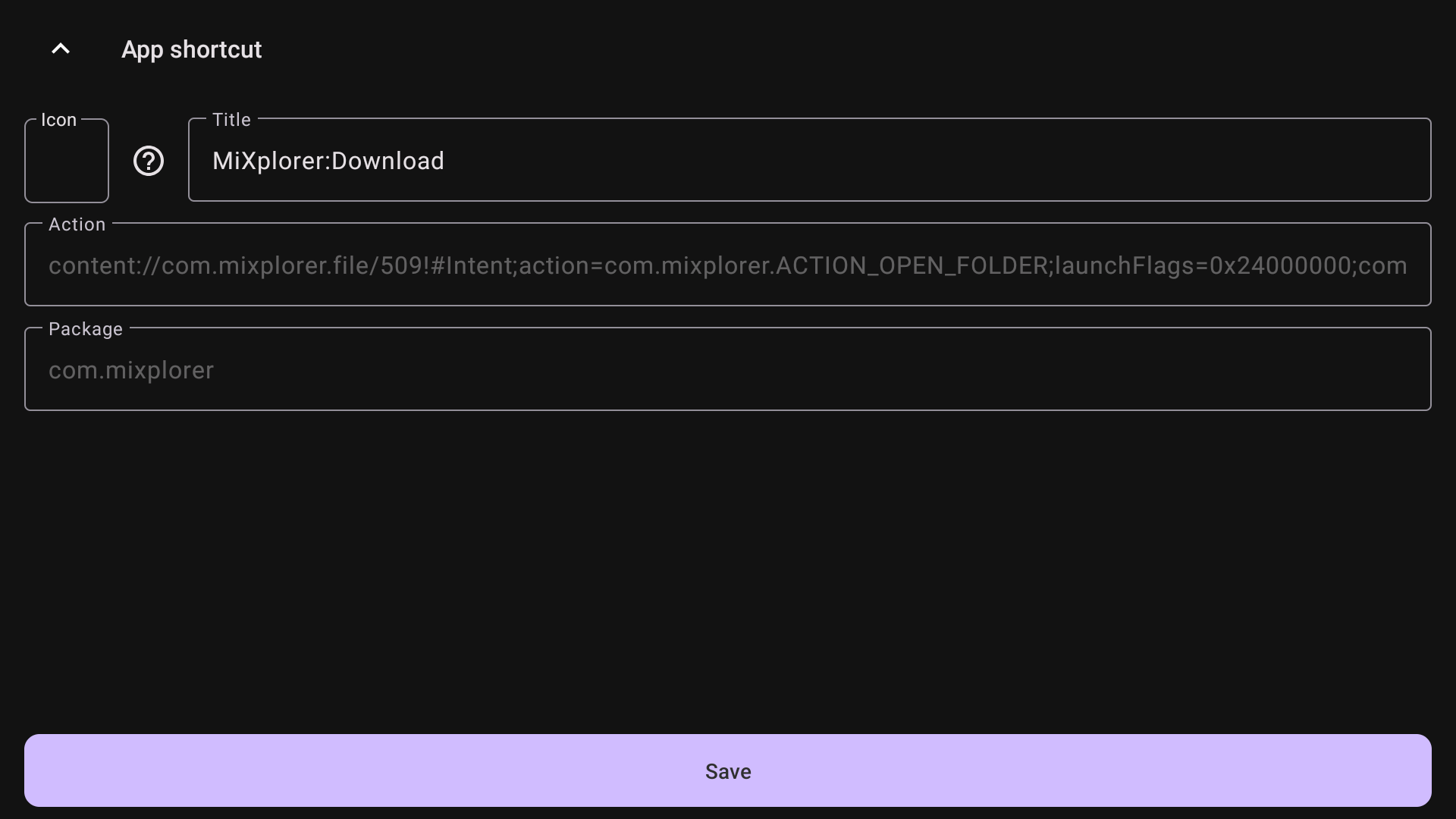
Now go to Mappings and choose the created action for the button from the "App Shortcut" tab. 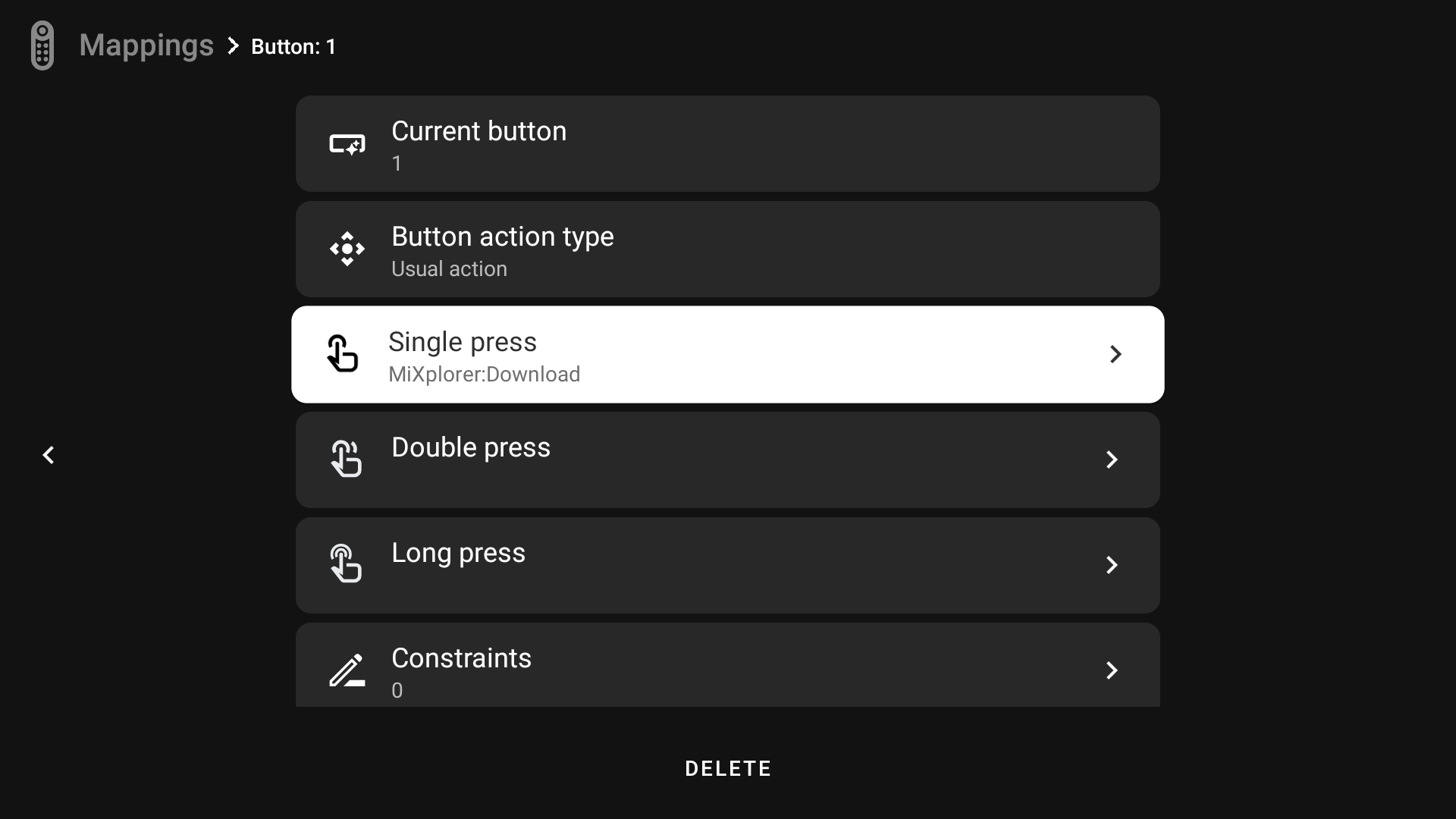
If you press this button, it will open MiXplorer in the Downloads folder.