ADB command
You can also use it as action ADB shell commands. The way to create it in the app is similar to the intents and tap screen: 1. Enter the title and choose the icon 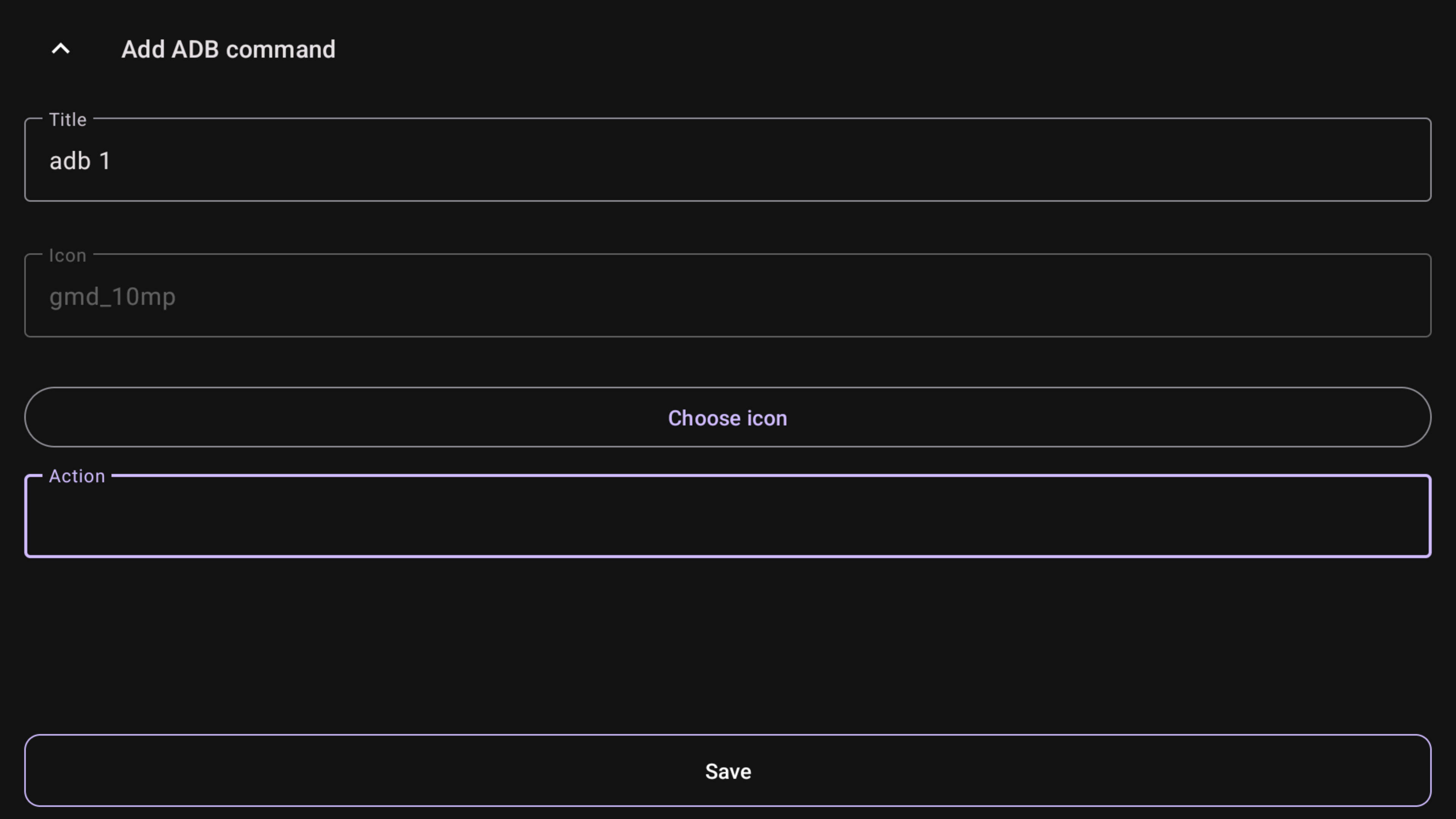 2. Enter the shell command in the Action field. For example, we will use the command to clear the cache of all applications:
 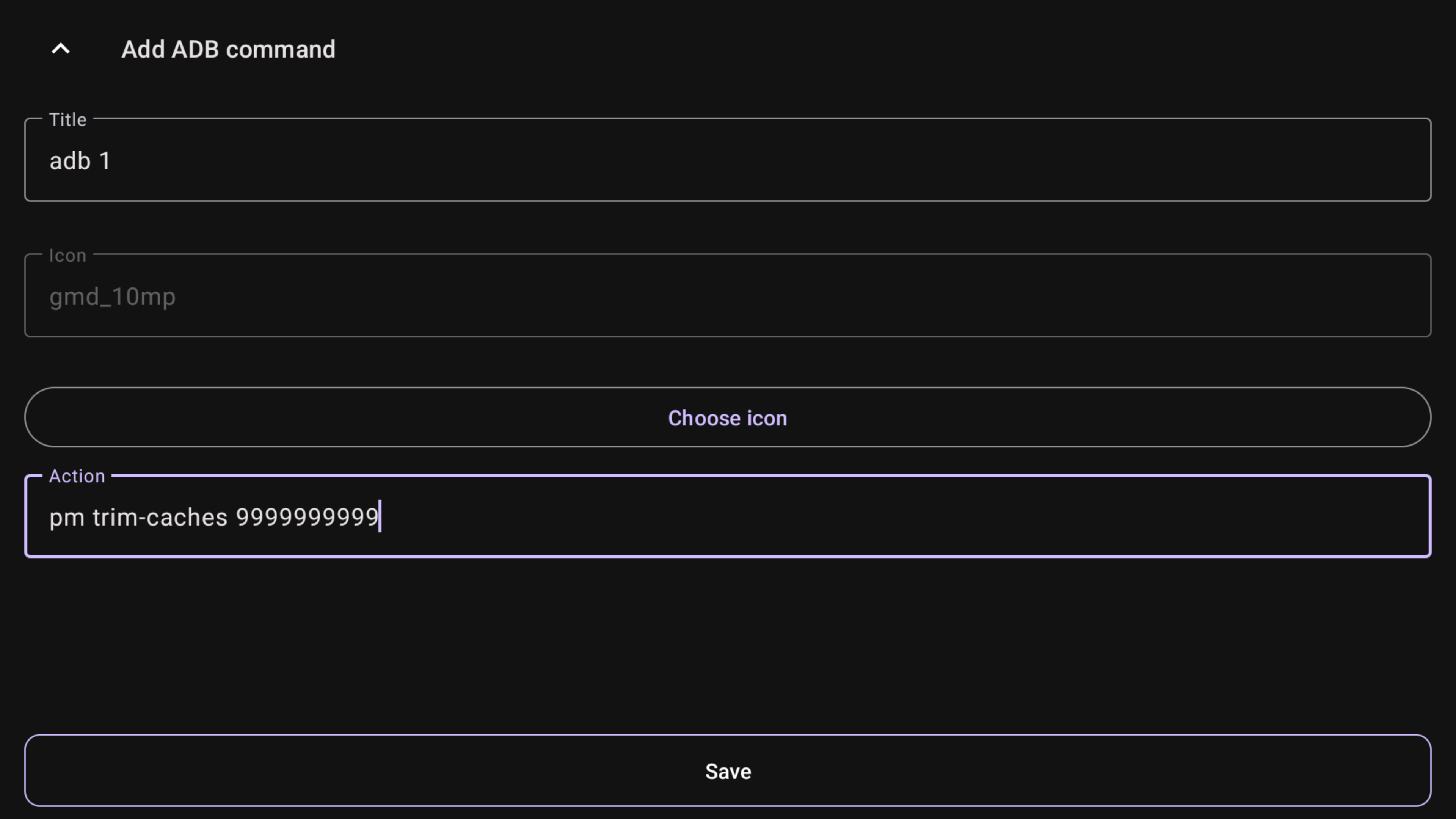 3. Save it, choose from the list, and now you can run it from the button
Shell
No need to use "adb shell", it is already in the shell
IMPORTANT
You must have enabled "Use ADB for some actions" in the ADB tab of tvQuickActions settings. To check if everything works properly, there is a "Check connection" item in the ADB tab of settings.